Free AI Age Filter
Transform your portraits with realistic age progression or regression while keeping facial features, skin textures, and natural lighting intact. Explore your past or future self instantly.
Click or drag to upload a reference image
0/1
Pro Tip
Be specific about style, colors, mood, and details for best results


What is AI Age Filter?
AI Age Filter is an advanced online tool that allows you to adjust the apparent age of any portrait photo. Using AI-powered facial analysis, it simulates natural aging signs such as wrinkles, skin texture changes, and hair color shifts—or rejuvenates a face for youthfulness. The tool preserves identity, expression, and lighting, making results look authentic rather than artificial overlays. Perfect for designers, content creators, social media users, and anyone curious about seeing themselves at different life stages.
Why Choose Our AI Age Filter?
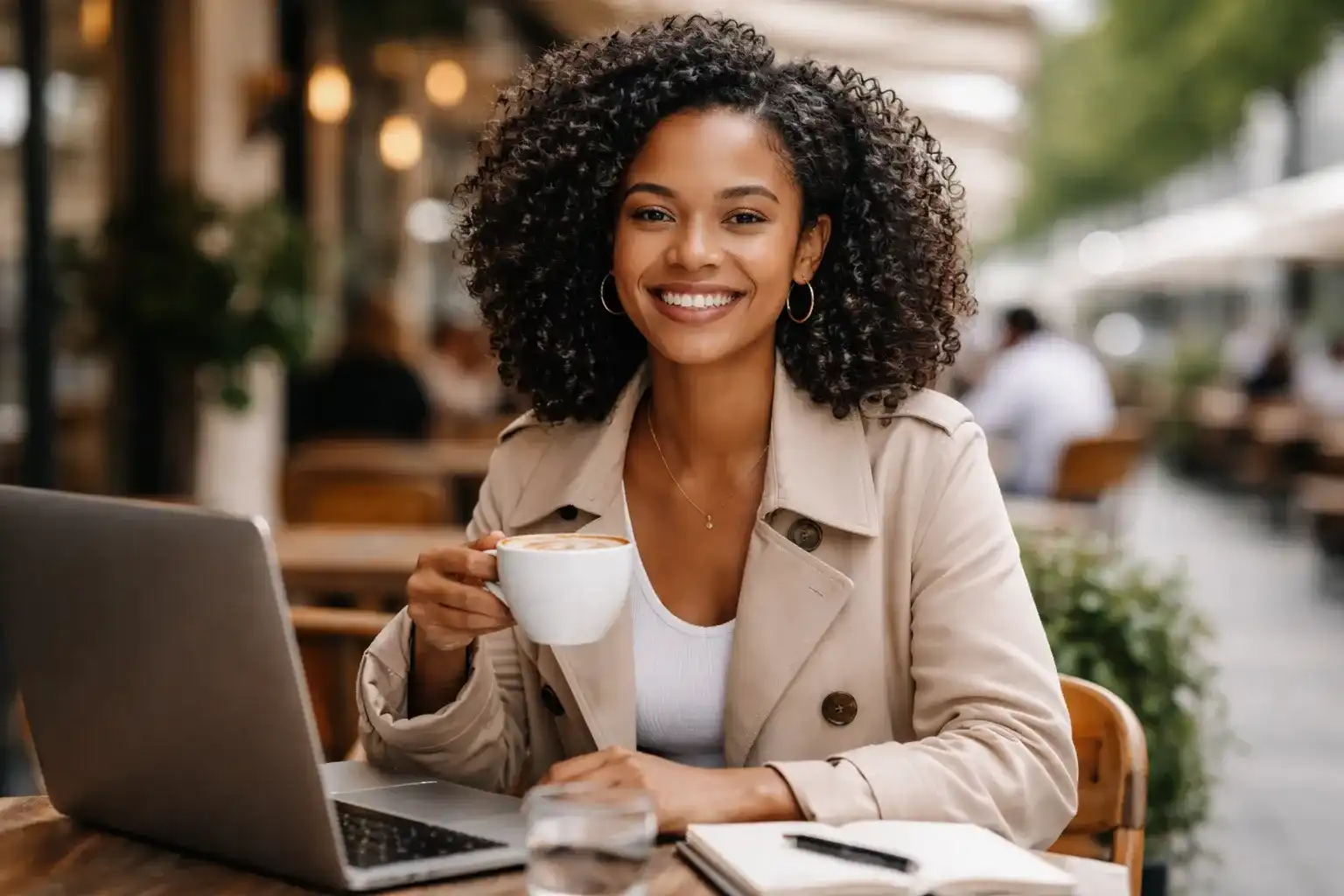
Hyper-Realistic Transformations
The AI recreates skin texture, facial structure, and subtle aging markers like fine lines or softer contours for youth. Unlike simple filters, each output looks like a natural photo, suitable for social media, editorial content, or personal projects.

Two-Way Age Control
Instantly move between aging and rejuvenation. Whether visualizing a future self, generating throwback images, or creating fictional character progressions, the slider offers precise control over subtle or dramatic changes.
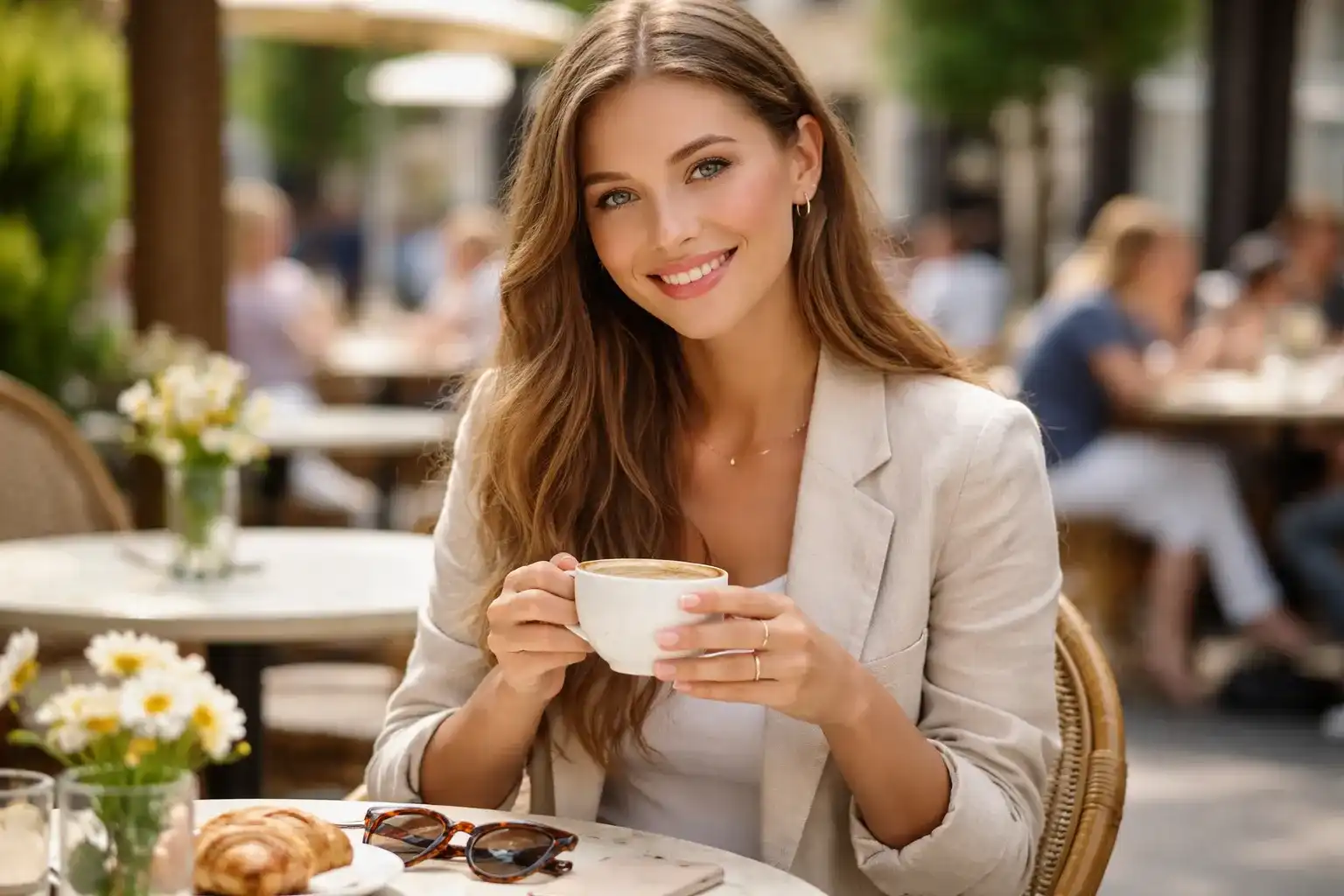
Fast and Accessible
No account, no downloads, and no complex software. Upload a portrait and receive high-quality results in seconds. Perfect for quick social media content creation, family fun, or professional design references.
How to Use AI Age Filter
Upload a High-Quality Portrait
Choose a clear, front-facing photo with good lighting and visible facial details. This ensures the AI can accurately analyze textures, facial landmarks, and expressions for a realistic result.
Adjust the Age
Use the intuitive slider to make the face older or younger. You can apply subtle age shifts for realism or more dramatic transformations for storytelling, marketing visuals, or creative projects.
Preview and Download
Compare multiple transformations instantly. When satisfied, download the high-resolution, watermark-free image for personal, social media, or professional use. Repeat the process to explore different scenarios.
What Our Users Say
"I’ve tested many aging apps, but this one preserves real facial features while showing subtle, believable age changes. It’s become part of my workflow for client shoots when I want to explore character variations."
Lena Perez
Portrait Photographer
"The AI lets me create both older and younger versions of myself for TikTok challenges and social media content. The results feel authentic, and I love that I can generate multiple versions instantly without any software installation."
Daniel Wu
Content Creator
"We use it to create before-and-after visual content for campaigns. The AI maintains the person’s identity, so even dramatic age changes are believable and professional enough to use for marketing posts."
Sophie Martin
Social Media Manager
"I often need reference images for character design across different life stages. AI Age Filter is perfect because it provides accurate visual cues for skin, hair, and facial changes, saving me hours of manual work."
James Carter
Designer
"I had fun creating younger versions of my photos for a family throwback project. The tool is easy to use, results are realistic, and it helped me create a story with multiple age stages without digging out old photos."
Ava Thompson
Student
"I use AI Age Filter for concept art, quickly visualizing how a character might look decades apart. The transformations are consistent and natural, giving me reliable references for illustrations and 3D modeling."
Ryan Lee
Digital Artist
Frequently Asked Questions
Are the AI-generated age transformations realistic?
Yes. The AI analyzes facial structure, skin textures, and visual cues like wrinkles, sagging, or smoothness for youth. This ensures outputs look like authentic photography rather than generic filters, making them suitable for social media, design references, or editorial use.
Can I make a face both older and younger?
Absolutely. The tool supports two-way transformations. Move the slider to visualize a future appearance with aging effects or revisit childhood features with a youth filter—all while preserving identity and expression.
What photos give the best results?
Front-facing portraits with clear visibility and good lighting produce the most accurate transformations. Well-lit photos allow the AI to detect fine details like skin texture and hair patterns, which is critical for realistic age simulation.
Is this tool safe for personal photos?
Yes. Photos are processed temporarily and automatically deleted after age transformations. AI Age Filter does not store personal images permanently or use them for model training, ensuring privacy and security.
Do I need special software or accounts to use it?
No. Everything runs in your browser, with no sign-up required. You can generate high-resolution age transformation photos instantly on desktop or mobile without installing apps.
Can I use the results for social media or commercial projects?
Yes. The tool provides high-quality, watermark-free images suitable for personal, social, or commercial use. You can share results directly on social platforms or include them in marketing materials.
How does AI maintain facial identity across transformations?
The AI carefully analyzes landmarks such as eyes, nose, mouth, and overall facial geometry to ensure that even after aging or rejuvenation, the person remains recognizable. Expression and lighting consistency are also preserved for realism.
Can I generate multiple age versions quickly?
Yes. You can try different age levels rapidly, compare results, and select the ones that suit your needs. This is ideal for storytelling, character design, or content marketing workflows.
Is AI Age Filter suitable for professional projects?
Absolutely. With high-resolution output, natural-looking results, and flexibility for both subtle and dramatic changes, it’s ideal for designers, photographers, marketers, and social media professionals.
Explore Timeless Portrait Concepts
Create multiple age versions of the same portrait and tell richer visual stories. See how AI Age Filter can enhance creativity and bring your visual ideas to life.