AI Hair Color Changer: Virtual Dye Simulator
Instantly change hair color on your photo. Test brown, orange, and custom shades with 5 free credits daily!
Click or drag to upload a reference image
0/1
Pro Tip
Be specific about style, colors, mood, and details for best results
What is the AI Hair Color Changer?
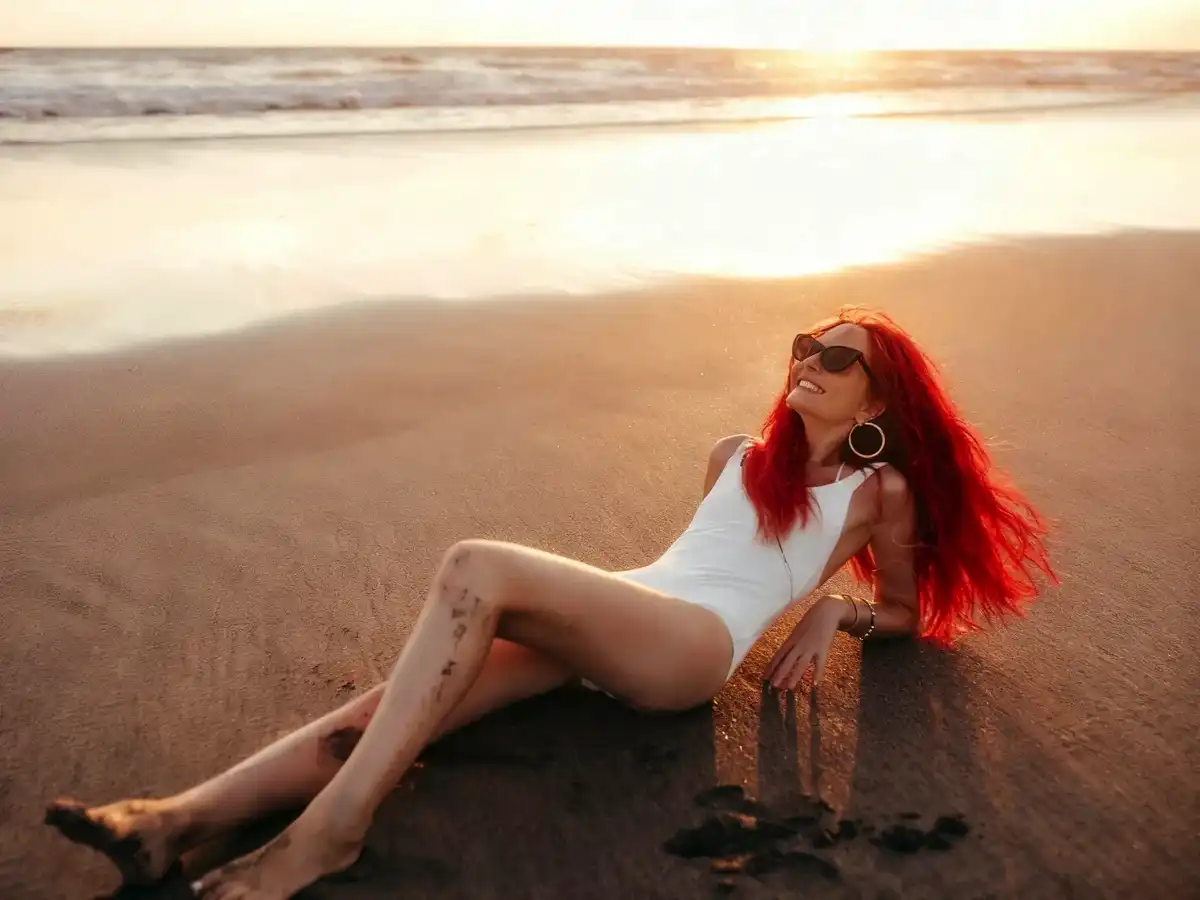
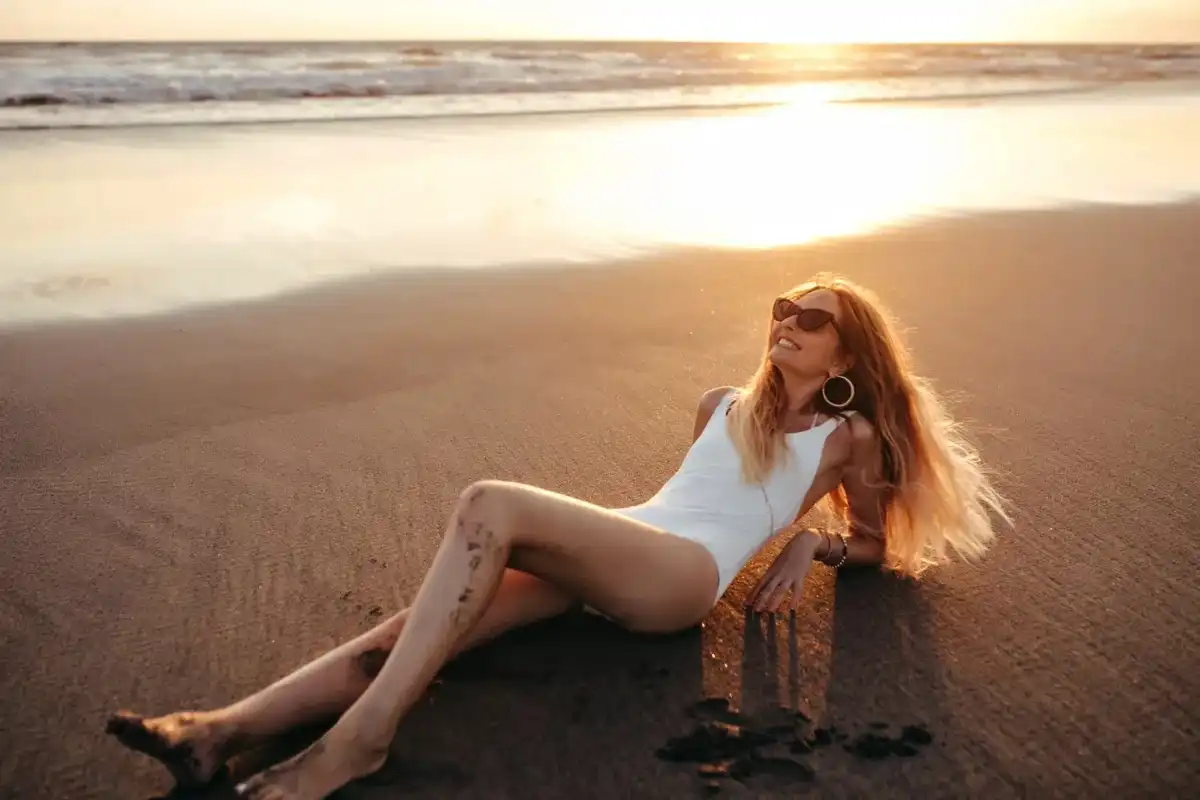
The AI Hair Color Changer is a professional-grade dye simulator designed to remove the risk from your next salon visit. By uploading a photo, our AI analyzes your skin undertones and hair texture to map new pigments with high fidelity. From natural Brown to vivid Deep Purple, it provides a realistic preview of how any shade will look on you. Stop guessing and start visualizing your perfect hair transformation in seconds with our advanced neural color mapping technology.
Why Choose Our AI Hair Color Changer?
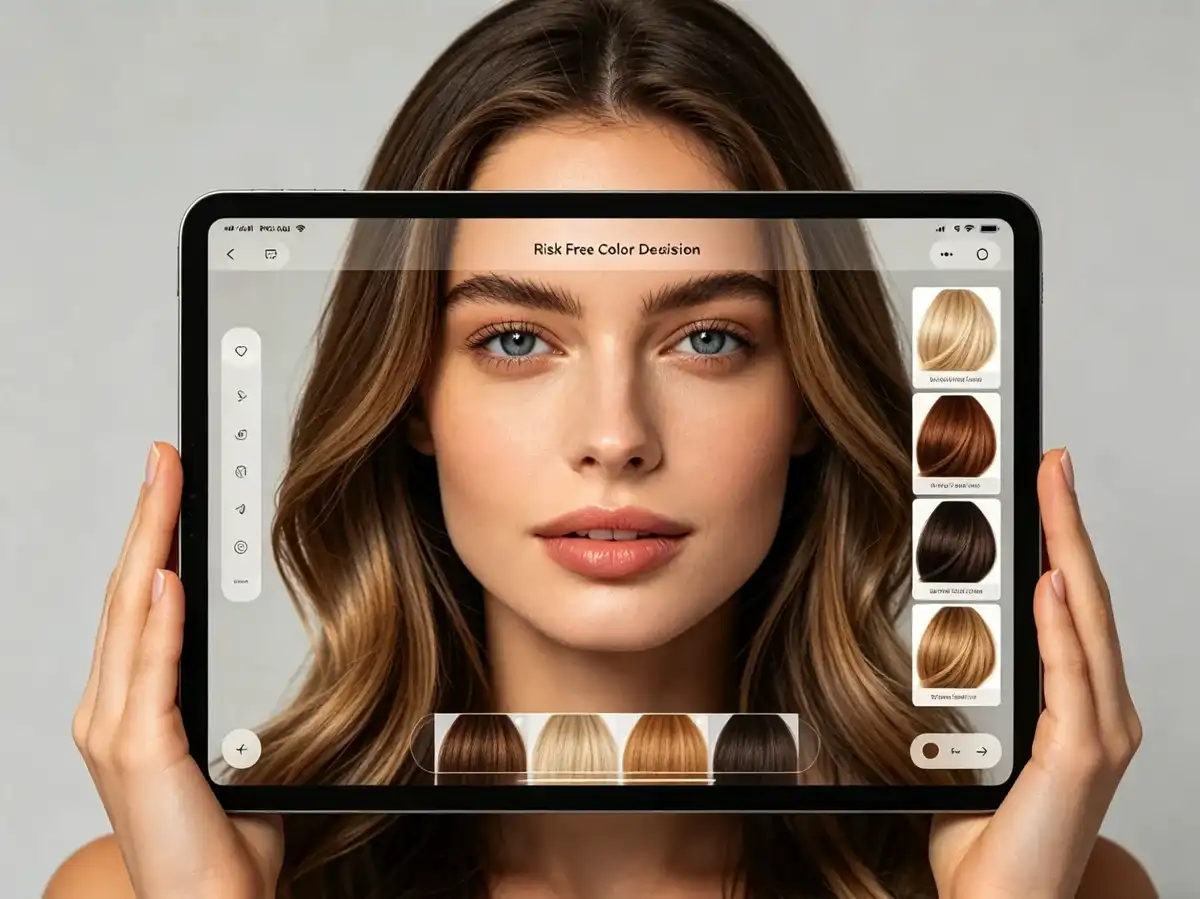
Risk-Free Color Decision Making
Avoid salon mistakes by testing any shade on your face first. This AI hHair Color Changer helps you decide if a color suits your skin tone, ensuring a perfect and risk-free hair transformation every single day.
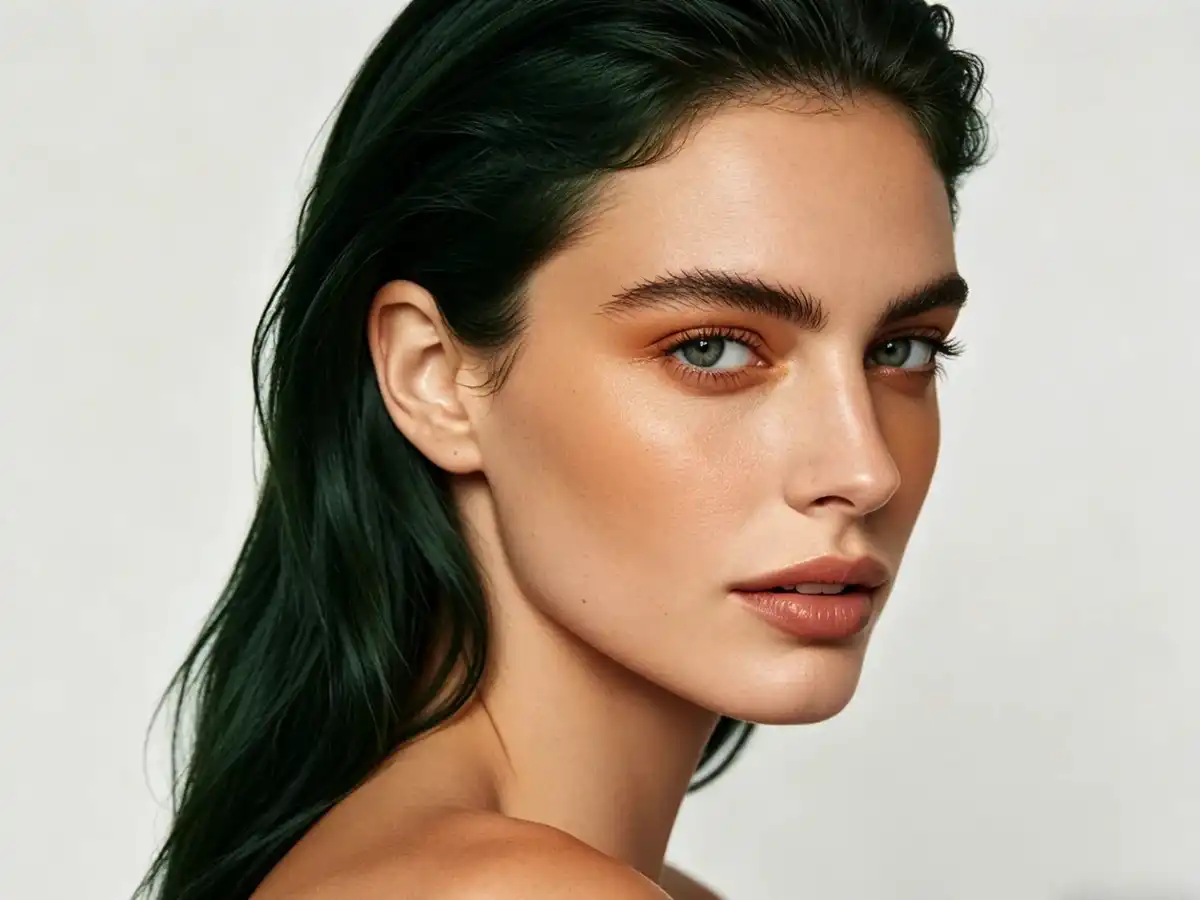
Pro-Grade Skin Tone Matching
Our AI analyzes your complexion to ensure each hair color reference looks natural. See how shades like Caramel Orange or Dark Green interact with your skin for a professional and high-quality result.
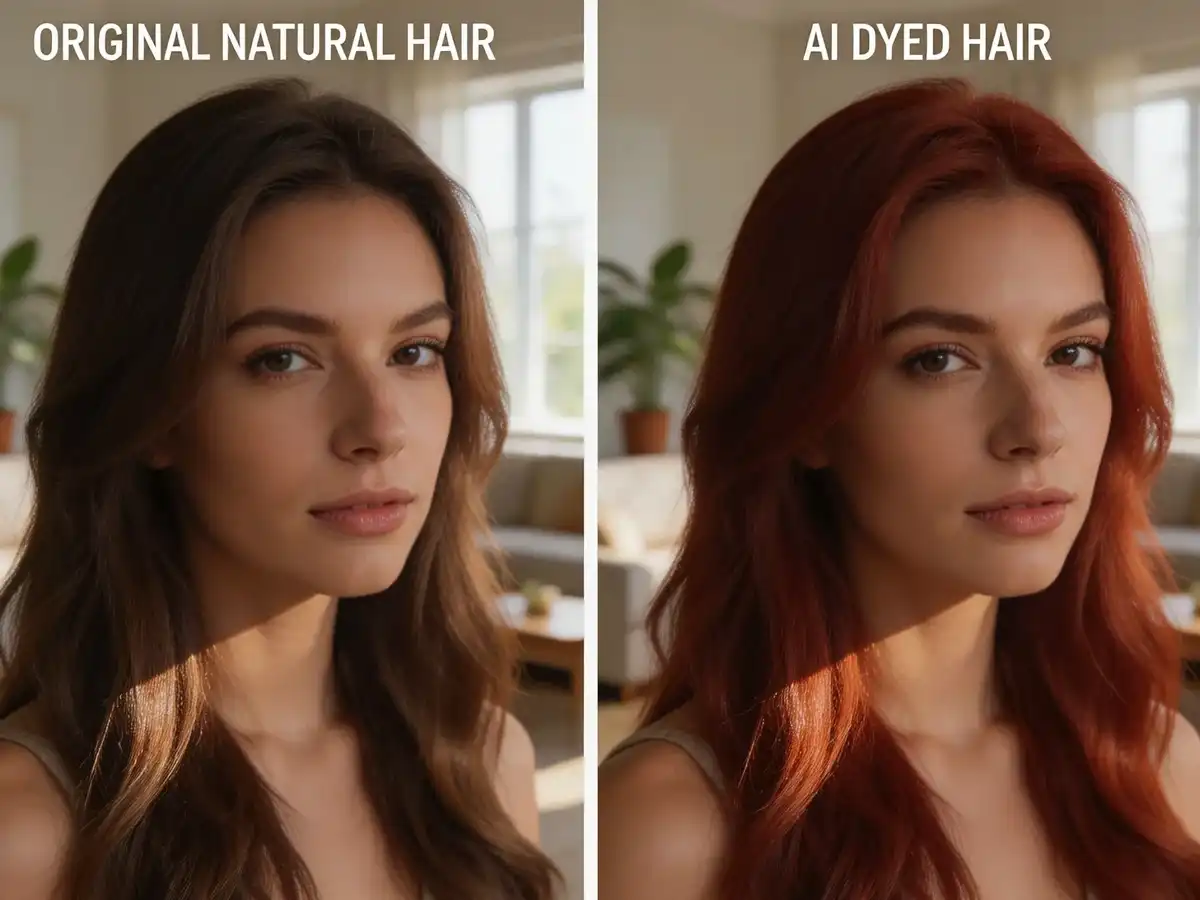
Precise Hair Texture Mapping
Our tool preserves your natural hair flow and volume. Unlike filters, every digital dye application maintains realistic shadows and highlights, providing an anatomically correct color reference photo.
How to Use AI Hair Color Changer
Upload Your Personal Headshot
Upload a clear, well-lit photo of your face and hair. Our AI requires a high-quality image to accurately map the digital dye to your specific texture, ensuring the most realistic results for your preview.
Pick Your Professional Shade
Choose from presets like Pinkish Brown and Deep Purple, or use Custom prompts for a unique hue. Our AI instantly renders the color onto your photo, creating a very realistic hair transformation in seconds.
Download Your Color Reference
Save your high-resolution result to your device. Use these realistic references to show your professional stylist exactly what you want, ensuring your next salon appointment is a guaranteed success.
What Our Users Say
"I upload my headshot to test Pinkish Brown shades for my self-portraits. It is the best AI hair color tool for visualizing character aesthetics before I touch my digital drawing canvas."
Sophie Varma
Digital Illustrator
"I use the 5 free credits daily to show clients how Dark Blue or Warm Orange will look. It is a vital tool for professional consultations and setting realistic expectations for hair dye."
Liam Henderson
Professional Stylist
"I uploaded a photo to see if Deep Purple would suit my skin tone. The AI mapping is so realistic that it gave me the confidence to finally go to the salon. It is a total beauty game-changer!"
Aria Montgomery
Lifestyle Vlogger
"The Caramel Orange results are stunningly accurate. I use this tool to create consistent branding visuals for my social media profiles without having to dye my hair every few weeks for photos."
Nathaniel Brooks
Content Creator
"We use this to help students understand how light interacts with different hair pigments. Seeing Dark Reddish tones on their own photos makes color theory much more engaging and easy to learn."
Elena Fischer
Art Instructor
"The Custom prompt feature allowed me to visualize a very specific Dark Green gradient. It is the ultimate reference tool for my professional concept art and futuristic character portfolio."
Zane Sterling
Concept Artist
Frequently Asked Questions
Can I change hair color online for free?
Yes. Every registered user receives 5 free credits daily to change hair color on their photo at no cost. This makes our tool the best way to try new shades like Blonde or Balayage for free online.
Can I try hair colors on my own photo?
Absolutely. This tool is designed specifically for you to try hair color on your own photo. Simply upload your headshot, and our AI will realistically map the new dye onto your natural hair structure.
How is this different from a hairstyle generator?
While a hairstyle generator changes the shape and length of your hair, the Hair Color Changer focuses on realistic pigment mapping and skin tone harmony while preserving your original hair structure.
Is my photo kept private?
Yes. We prioritize your privacy. Your uploaded photos are processed securely for the AI transformation and are handled according to our strict data protection policies. Your images are never shared.
Can I use the results for a salon consultation?
Yes! That is one of the best ways to use the tool. Download the high-resolution result and show it to your stylist so they can see the exact shade of Caramel Orange or Deep Purple you desire.
Try Hair Colors on Your Photo Now
Claim 5 free credits to generate realistic hair color references using your photo. Experience the ultimate AI hair color changer for creators.