Free AI Watermark Remover
Remove watermarks from images instantly with AI — fast, accurate, and natural-looking results without any manual editing.
Click or drag to upload a reference image
0/1
Pro Tip
Upload a high-quality image for best results. The AI will automatically detect and enhance details.
What is Watermark Remover?
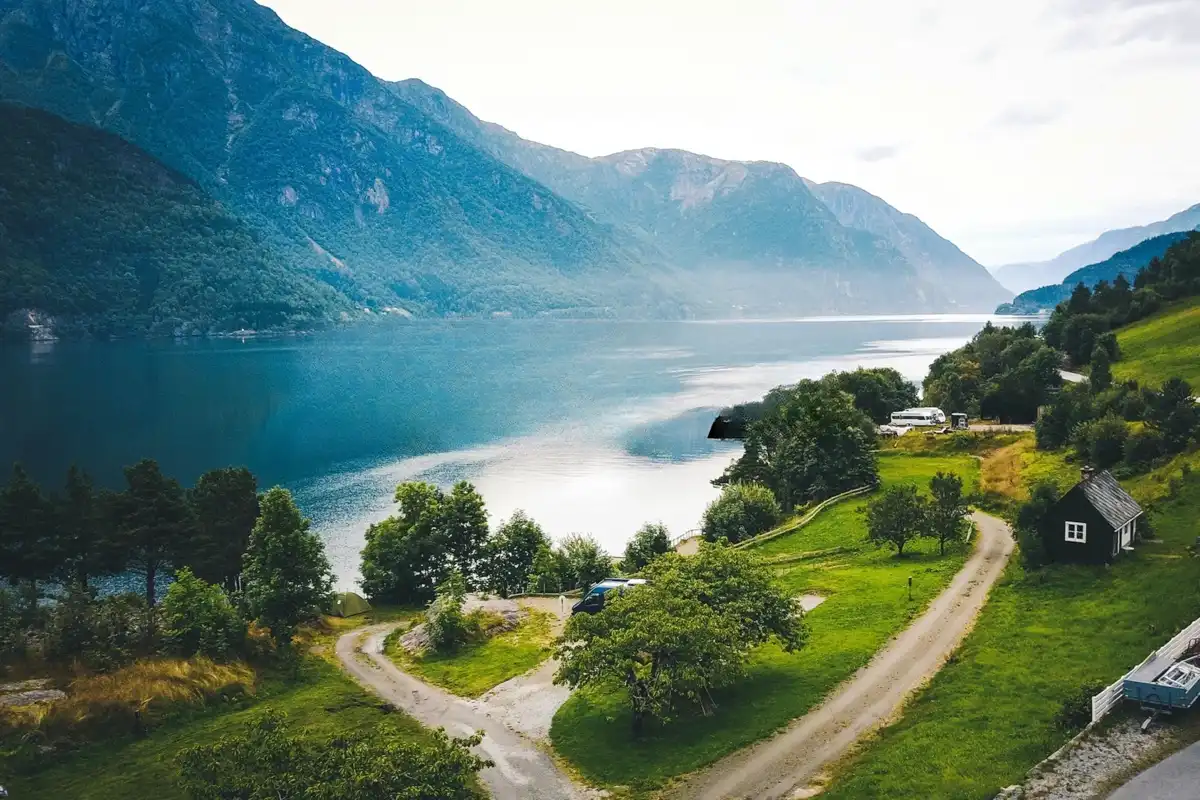
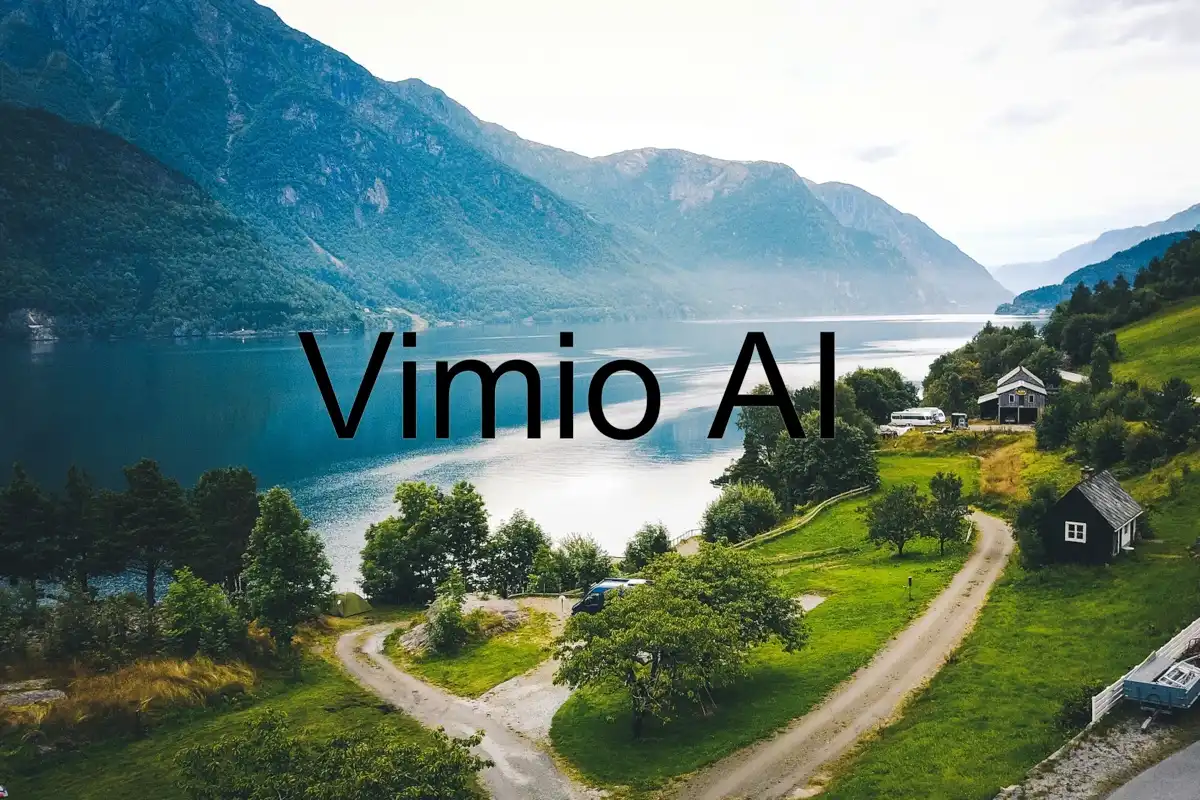
Watermark Remover is a powerful AI-driven image cleanup tool designed to remove watermarks, logos, text overlays, and unwanted elements from photos with precision. Instead of simply erasing parts of an image, the AI uses advanced inpainting technology to analyze surrounding pixels, textures, lighting, and patterns to intelligently reconstruct the missing areas. This ensures that the final image looks complete and natural, as if the watermark never existed. Whether you're working with stock photos, social media images, e-commerce product pictures, or personal photos, the tool delivers high-quality, professional results in just seconds. Unlike traditional editing tools that require manual selection and retouching skills, Watermark Remover automates the entire process, making it accessible to anyone — from beginners to professionals.
Why Choose Our Watermark Remover?
Intelligent Detection
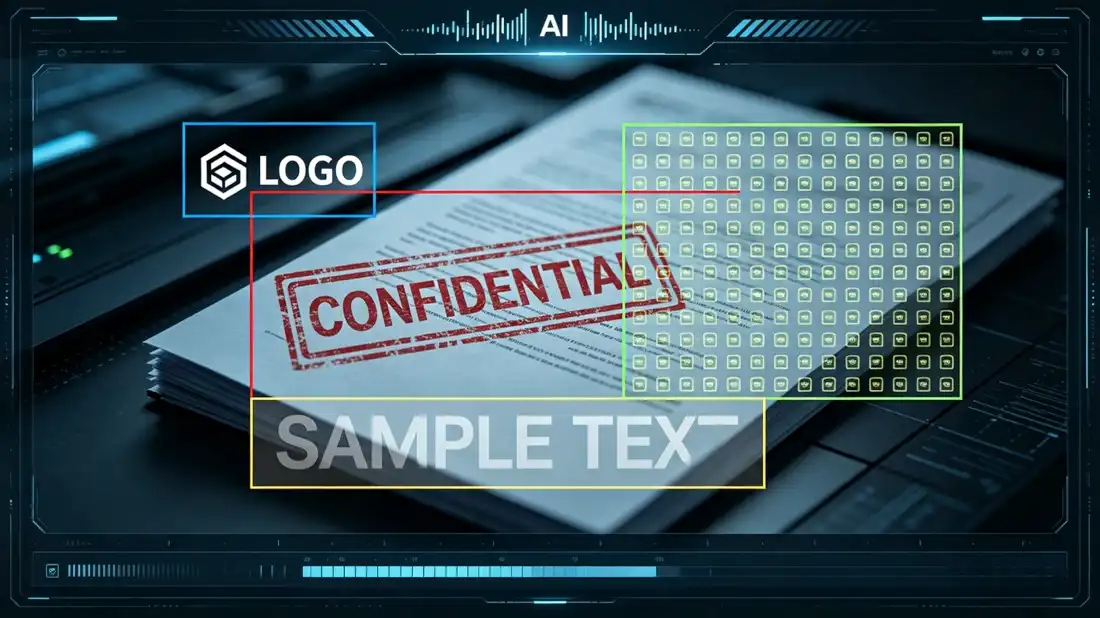
Our AI is trained to recognize various types of watermarks, including logos, text overlays, repeated patterns, and semi-transparent marks. It can automatically identify complex watermark placements, even when they blend into the background or cover large portions of the image. This reduces the need for manual adjustments and ensures faster, more accurate results.
Seamless Results
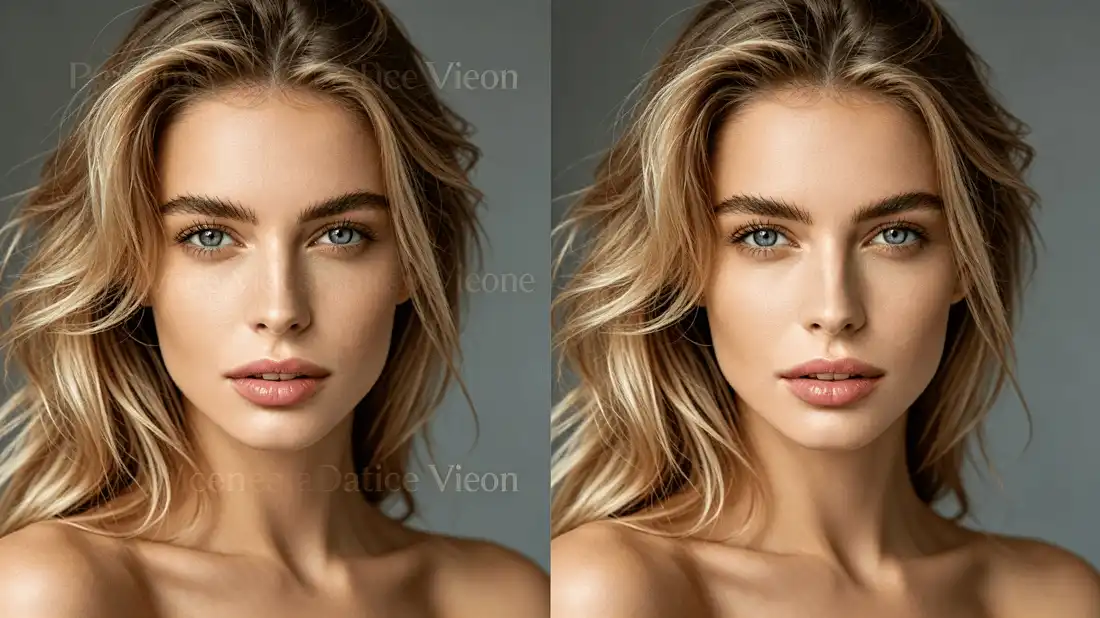
Using advanced inpainting algorithms, the tool reconstructs the background by matching surrounding textures, colors, and lighting conditions. This creates a smooth and natural transition between edited and original areas, eliminating visible artifacts, blur, or inconsistencies. The result looks clean and professionally edited without any noticeable traces.
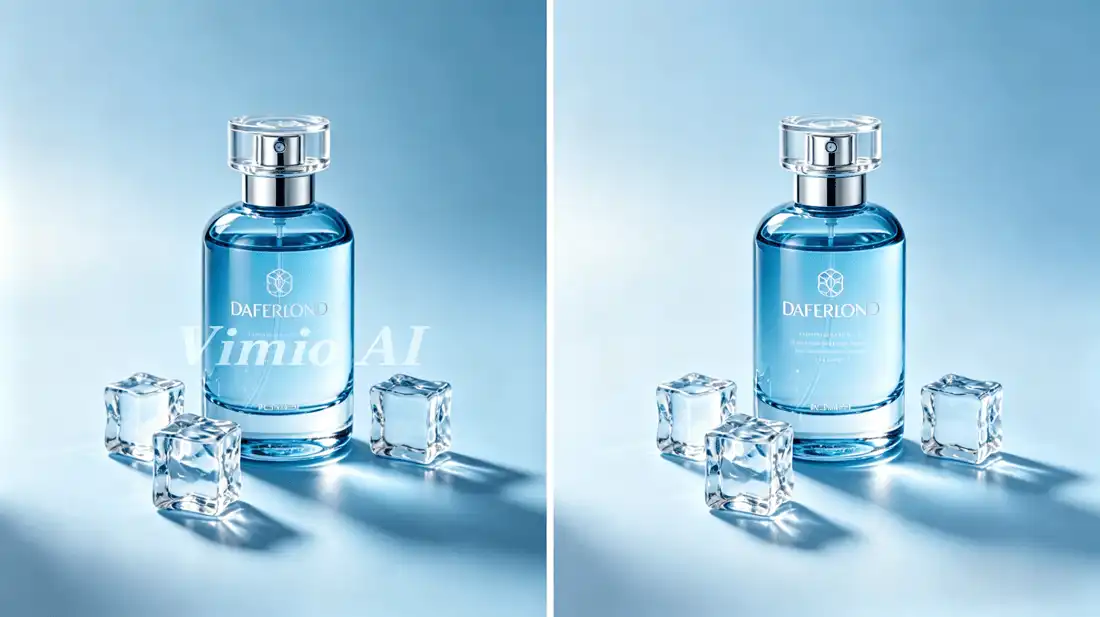
Quality Preservation
Maintaining image quality is a top priority. The AI ensures that the original resolution, sharpness, and fine details are preserved during the watermark removal process. Whether you're working with high-resolution images or detailed visuals, the output remains crisp, clear, and ready for immediate use.
How to Use Watermark Remover
Upload Image
Start by uploading the image that contains the watermark, logo, or unwanted element. The tool supports common formats such as JPG, PNG, and WebP, making it easy to work with images from different sources. You can upload photos from your device in just a few clicks.
Mark Watermark
Once uploaded, the AI will automatically detect the watermark area. If needed, you can manually highlight specific regions for more precise control. This flexibility ensures that even complex or irregular watermark placements can be handled effectively.
Download Clean Image
After processing, you can instantly download the cleaned image in high resolution. The final result will be free of watermarks, with natural textures and consistent lighting, ready for use in design, marketing, or personal projects.
What Our Users Say
"This tool works incredibly well. The watermark removal is so clean it looks like it was never there. I’ve tried several tools before, but this one delivers the most natural results by far."
Rachel Green
Content Creator
"It saved me so much time. Complex watermarks that used to take hours to fix manually are now removed in seconds. The workflow improvement is huge for my daily tasks."
Tom Harris
Digital Marketer
"The image quality stays intact, which is rare for tools like this. The AI preserves textures and details beautifully, even on high-resolution photos."
Priya Patel
Photographer
"Super fast and easy to use. I rely on this tool for all my image cleanup tasks now, especially when working on client projects with tight deadlines."
Alex Johnson
Graphic Designer
"The edits look completely natural. There are no visible traces, and the final images look polished and professional."
Maria Santos
Social Media Manager
"Perfect for cleaning thumbnails and marketing visuals. It’s efficient, accurate, and saves a lot of manual effort."
Kevin Lee
Video Editor
Frequently Asked Questions
What is Watermark Remover?
Watermark Remover is an AI-powered tool that automatically removes watermarks, logos, and text overlays from images while preserving the original quality, textures, and visual consistency. It is designed for both personal and professional use.
How does the AI remove watermarks?
The AI analyzes the pixels surrounding the watermark and uses advanced inpainting algorithms to reconstruct the missing areas. It considers color, texture, lighting, and patterns to ensure the edited section blends seamlessly with the rest of the image.
Will the image quality be affected?
No. The tool is specifically designed to maintain the original resolution and detail. Unlike manual editing, which can cause blurring or distortion, the AI ensures that images remain sharp and natural-looking after processing.
Can it remove complex watermarks?
Yes. The tool supports a wide range of watermark types, including logos, text overlays, repeated patterns, and semi-transparent elements. It can handle both small marks and large, full-image overlays.
Is it legal to remove watermarks?
You should only remove watermarks from images that you own or have permission to edit. Respect copyright laws and usage rights when working with any visual content.
What file formats are supported?
Watermark Remover supports commonly used image formats such as JPG, PNG, and WebP, ensuring compatibility with most images used online or in design workflows.
How long does processing take?
Most images are processed within a few seconds. Processing time may vary slightly depending on image size, resolution, and watermark complexity.
Can I process multiple watermarks?
Yes. The tool can remove multiple watermarks or unwanted elements within a single image, making it suitable for complex editing scenarios.
Ready to Remove Watermarks?
Transform your images instantly with AI-powered watermark removal. Eliminate unwanted marks while preserving every detail, and get clean, professional-quality results in seconds without any editing skills.